Your tsundoku, from wishlist to library
My Tsundoku sorts your book collection into four clear piles.
Add my first bookFree · no account · offline · open source


Four piles
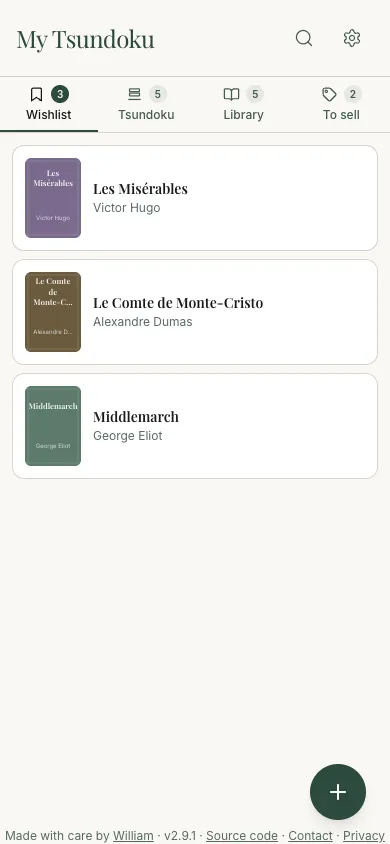
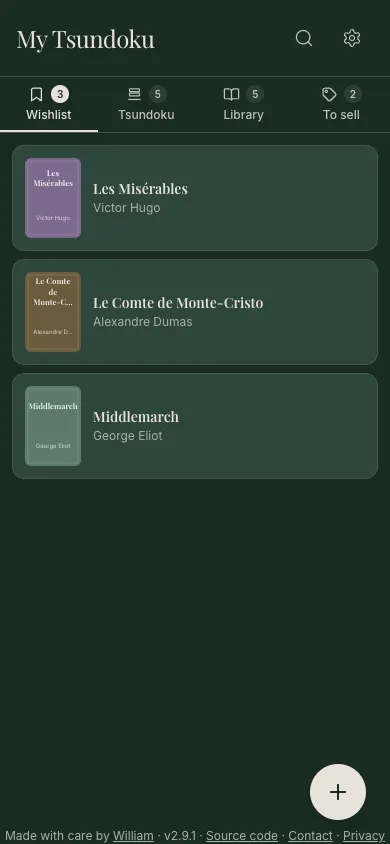
To buy
Books you've spotted
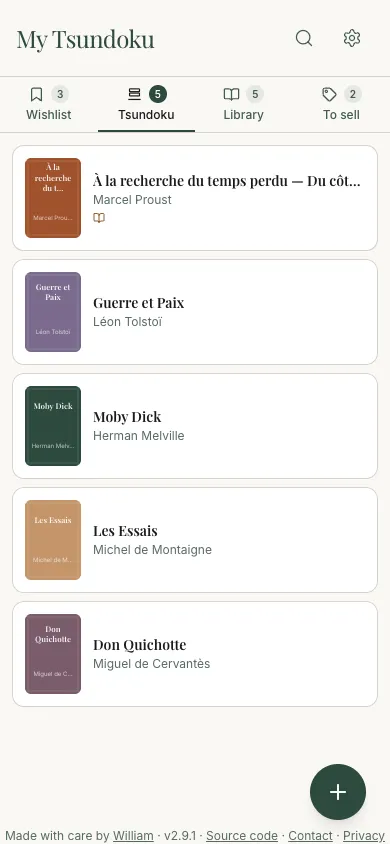
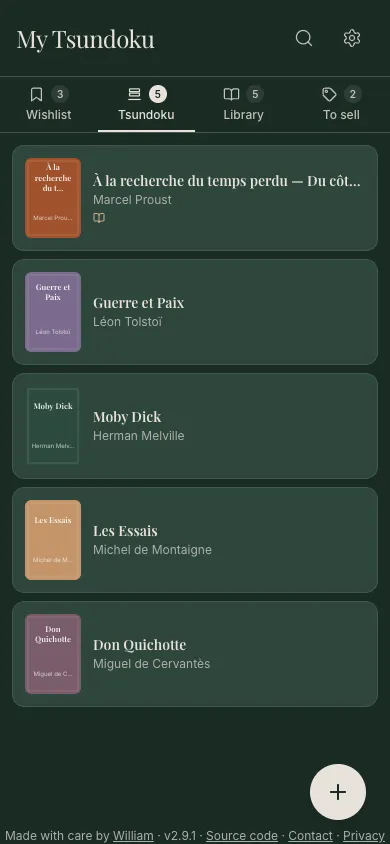
Tsundoku
Your reading pile
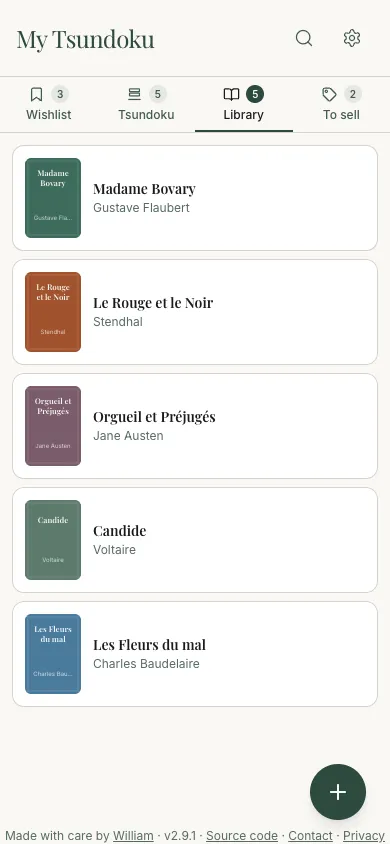
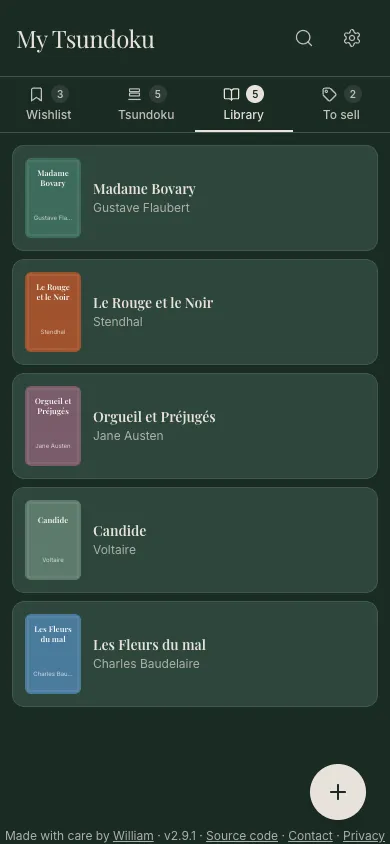
Library
Books read and kept
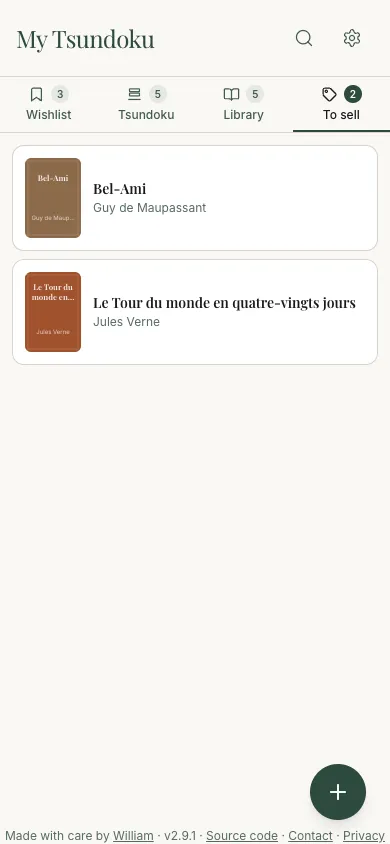
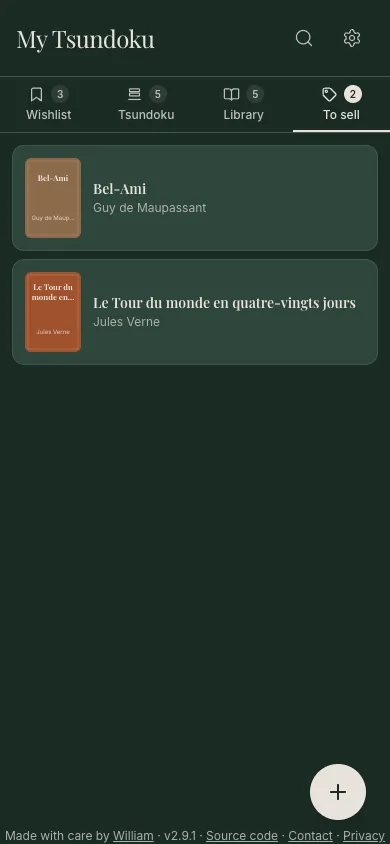
Let go
To give away or sell
Add a book in seconds
Scan the ISBN barcode and the details fill themselves in — title, author, cover, via Open Library. Or type everything in manually if you prefer.
Your data stays with you
Everything is stored on your device, unless you turn on sync, and works offline. Install it on your phone like a native app; syncing across devices stays optional. My Tsundoku is free software (AGPL), with no ads and only anonymous audience measurement.
Common questions
What if I clear my browser data?
Your books go with it, since they live in the browser. That's why it's worth exporting a backup now and then (Settings › Export my library), or turning on sync.
I'm changing phones — do I lose everything?
Not if you planned ahead: either import your backup on the new device, or sign in with your email (a code is enough, no password) and your books come back.
Can I get my data out?
Yes, any time, as a JSON file, from Settings. It's yours — that's rather the point.
Is sync required?
No. The app works fully without an account; sync only lets you find the same library on several devices.